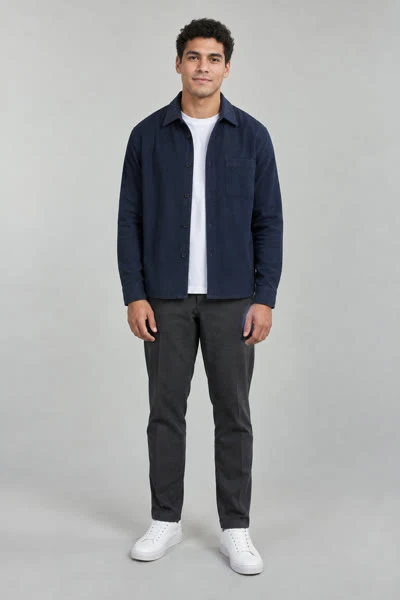
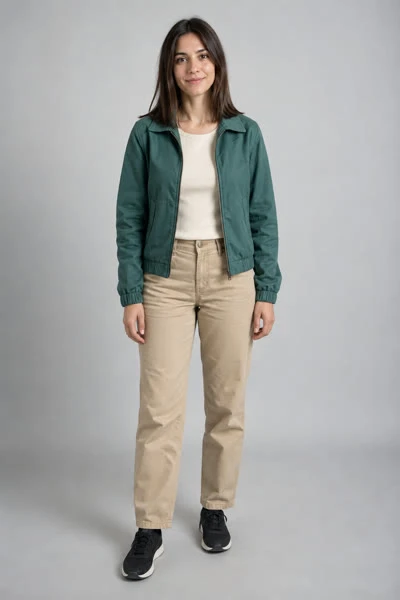
Build your AI rapper look from the photo
Start with the appearance you want to bring into the scene. The tool uses your uploaded image for identity and clothing guidance; it has no wardrobe editor. If you want a jacket, glasses-free look or different hairstyle, prepare that portrait first.
A face-and-shoulders portrait makes the subject easier to identify. A wider upper-body image gives the model more clothing information. Avoid cutting off the chin or using a distant full-body shot with a tiny face.
One person, two stage personas
- 01
Choose two different portraits
Use separate photos rather than uploading the same file twice. Two outfits or hairstyles can make the roles easier to distinguish.
- 02
Put each look on its side
Upload the first look on the left and the second on the right. Keep the faces unobstructed in both images.
- 03
Generate a short test
Choose your resolution, frame and 10- or 15-second duration. Read the current quote; a 768P/10-second output costs 320 credits.
- 04
Review identity across the clip
Watch after cuts as well as at the start. Look for changes in facial features, hairstyle and clothing before using the result.
What your rapper video includes
The photo supplies a visual identity. It does not supply a voice recording, vocal consent sample or personal lyrics. Your own voice is not cloned from an image, and a caption entered in another app will not change the spoken performance.
- A two-performer orange-studio scene guided by the prepared reference.
- MiniMax H3 generation with selectable resolution, frame and length.
- An MP4 result with audio generation enabled.
- A result saved to My videos for later review and download.