01
Everyday duo
30 seconds · 1080P · With audio
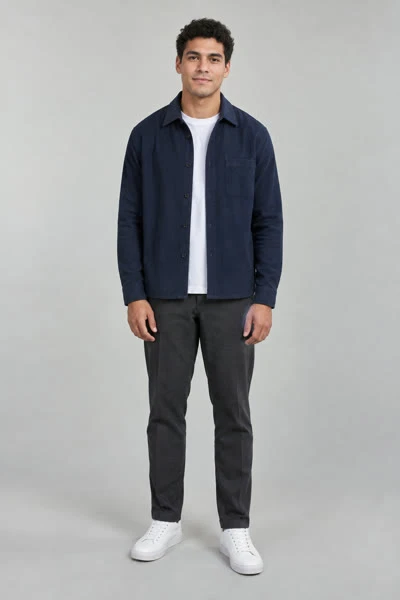
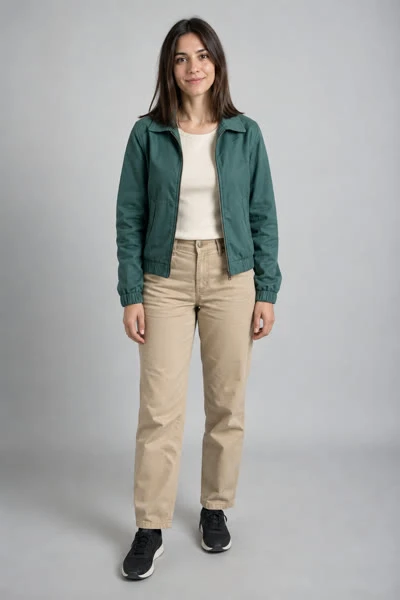
Hotel Lobby Wiki
Upload two portraits and place your duo in the orange booth. This wiki keeps the generator on the homepage and the format notes in the encyclopedia.
Default video: 240 credits · 768P / 5sCredit packs from $9.90No adult or NSFW content. Only upload people who agreed.
Person 1 · left
Person 2 · right
Credits required
240 credits · 5-second video
Your photos are sent to the video provider as references. Upload only photos you have permission to use.
Photos to performance
Three external AI examples with their paired reference photos. These are full 30-second source videos; this site creates 5-, 10- or 15-second videos with the orange-stage template.
30 seconds · 1080P · With audio
30 seconds · 1080P · With audio
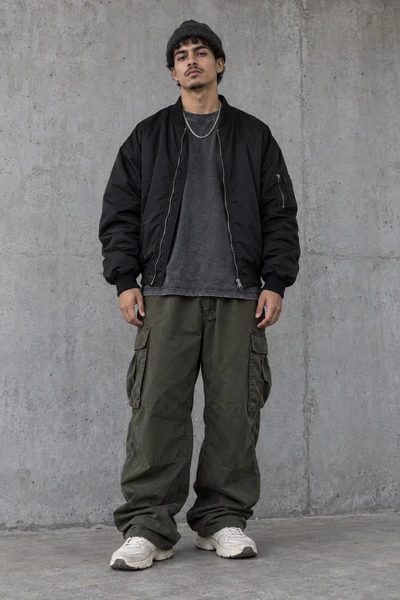
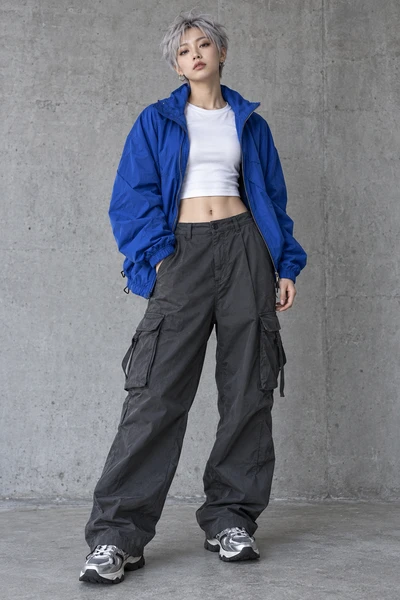
Streetwear inspiration from an external example. This site uses the fixed orange stage.
Example source: Hotel Lobby Video30 seconds · 1080P · With audio
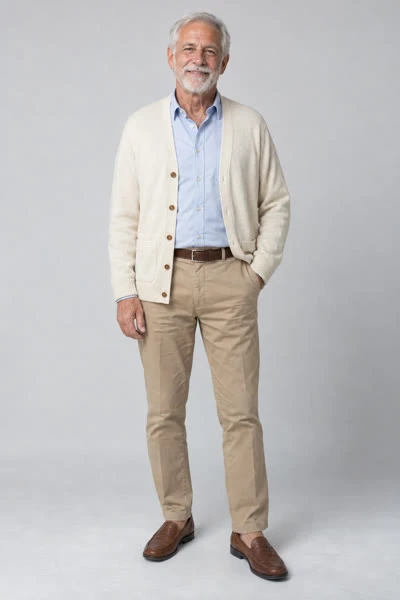
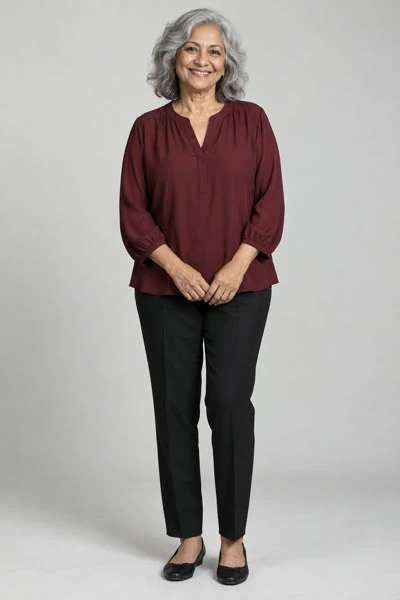
The trend right now
Hotel Lobby videos made by other creators and credited to them. They were not made with this site — they show the kind of duo that works.
Encyclopedia
Origins, prompts, tools and how-to pages. Make the video here, then read the format.
How Hotel Lobby Wiki credits work: the live quote, monthly plans, one-time packs, and why 2K or 15 seconds costs more.
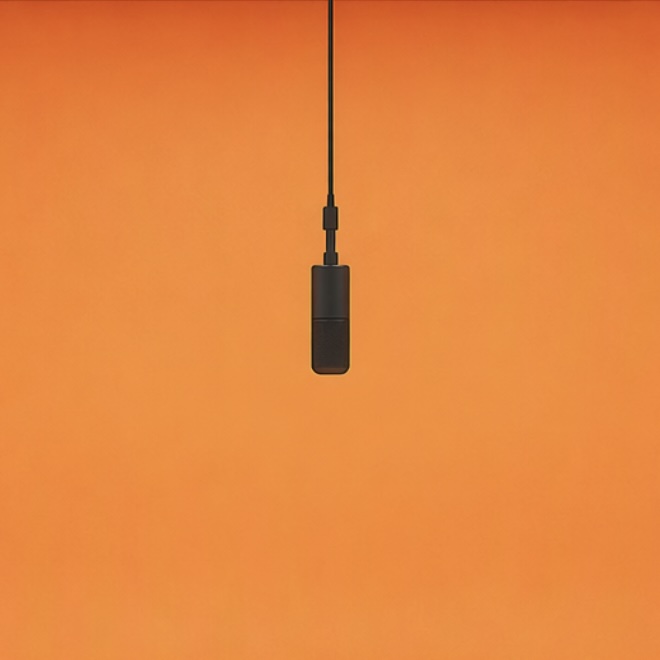
A breakdown of the Hotel Lobby AI stage: orange booth, hanging microphone, left/right blocking, and why the camera language stays consistent.
The practical photo setup for Hotel Lobby AI videos — lighting, framing, left/right roles, and the mistakes that make two faces merge.
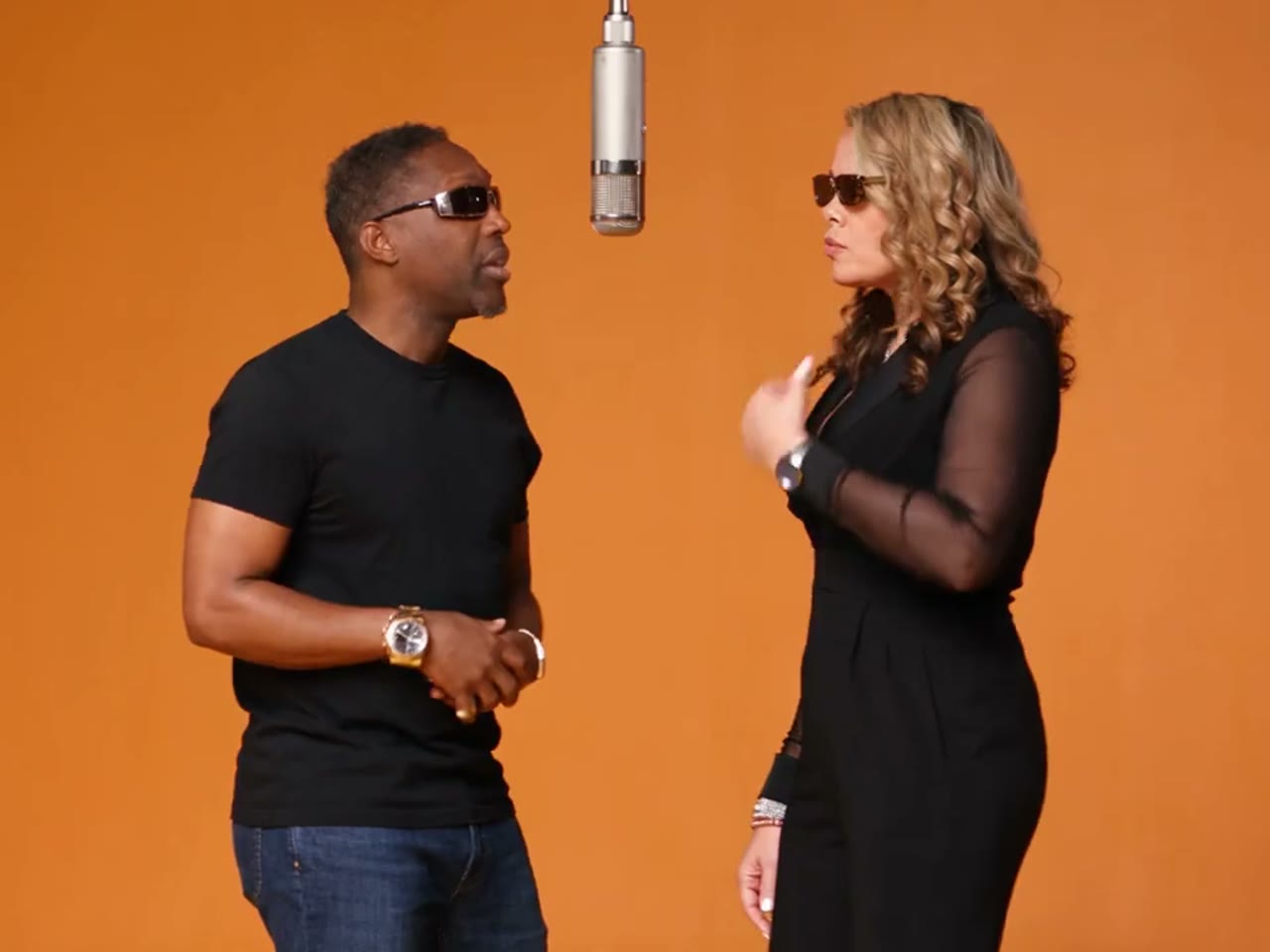
Hotel Lobby is the 2022 Unc & Phew debut single by Quavo and Takeoff. This wiki page covers the song facts, the COLORS performance, and why the AI generator has no lyrics field.
How the Hotel Lobby AI trend spread on TikTok and Instagram, why the orange booth is recognizable in one second, and how to publish without fake concert claims.
A diagnosis page for Hotel Lobby AI failures — identity swap, face blend, missing mic, crop issues, and when to rerun versus change photos.
Hotel Lobby AI is not a free generator. Read the wiki and watch examples without paying; rendering uses video credits, with the quote shown before you start.
Turn two approved reference photos into a short Hotel Lobby AI video with stable identities, positions, camera, and motion.
Choose your pairing
The two-photo rap duo format, with a generator on the same page.
Turn two portraits into a short rap performance with selectable output settings.
Try a performer persona, or cast two different looks of yourself.
Pair two friends for a group-chat clip, even with photos taken apart.
Cast the birthday person and a co-star, then add your greeting after download.
Try two pets or a pet-and-owner pairing with clear individual photos.
Make a couple performance from two portraits without arranging a photoshoot.
Understand the Migos AI format and make your own two-performer remix.
Hotel Lobby AI video generator
Choose one clear, well-lit photo per person, face and upper body visible. Person 1 takes the left side of the booth, Person 2 the right.
Choose your resolution and length, then pick a portrait, landscape or ultrawide frame. The credit cost updates before you start.
Review both performers and the sound, then save your MP4. The task and its result appear in My videos.
Personalize the Hotel Lobby AI trend
The Hotel Lobby format is a rap duo video AI remix associated with Quavo and Takeoff’s Hotel Lobby performance on A COLORS SHOW. The orange backdrop, hanging microphone and back-and-forth staging make the scene recognizable.
A new pairing changes the idea: best friends, partners, two different looks of yourself or an experimental pet duo. You supply two individual photos; you do not need to photograph the pair together.
This generator combines the portraits with a prepared performance reference to create a new clip guided by that scene. Faces, gestures, cuts and audio can vary, so review the full result before sharing.
Hotel Lobby AI video generator ideas
Pair up for a group-chat clip, reunion edit or shared post. Separate portraits work even when you are in different places.
Make a shared booth cameo, then add an anniversary date or greeting in your editor.
Give two creators or bandmates a shared performance setup without needing a photo of them together.
Try clear individual pet photos. The performance template is based on people, so animal faces and anatomy can vary.
Hotel Lobby AI video generator features
The template guides the orange studio, microphone and duo staging. You only provide the two portraits and output settings.
The first portrait is assigned to the left performer and the second to the right. Check that both identities stay recognizable through the generated clip.
The performance prompt is already set. Review and download the result, then add captions or finishing edits if you need them.
Use the finished duo clip as a starting point for a group-chat reveal, a couple post or a creator collaboration. Add your own caption and context after downloading.
Hotel Lobby AI video photo tips
Credits & pricing
Use MiniMax H3 and choose your output settings. Prices below match this site’s pricing page.
$9.90USD
One-time payment
1,000 credits
Up to 4 default videos
$19.90USD
One-time payment
2,200 credits
Up to 9 default videos
$49.90USD
One-time payment
6,000 credits
Up to 25 default videos
Video counts use the default 768P / 5-second quote. Changing resolution or duration changes the cost. Purchased credits do not expire.
All plans and credit packsGuides
See what you can preview and what requires eligible video credits.
Learn the visual format and how the two-photo remake works.
Choose between generating a performance and editing existing media.
Check blocked submissions, running tasks, refunds and poor outputs.
Understand reference prompts and prepare photos for this fixed template.
Hotel Lobby AI Video Generator FAQ
It is a rap duo video AI generator inspired by the orange booth and shared performance setup associated with Quavo and Takeoff’s “Hotel Lobby” performance on A COLORS SHOW. Upload two permitted photos and the tool creates a new AI video with those two performer roles.
No. There is no free full video and no sign-up gift. You can read the wiki, watch examples and open the generator without paying. Rendering uses video credits, the quote is shown before you start, credit packs start on the pricing page, and a confirmed failed generation returns reserved credits.
Use one clear, front-facing photo per performer with good light, visible eyes and enough upper-body detail. Do not upload group photos or images of people who have not agreed to appear.
The first uploaded photo is assigned to the left performer and the second to the right. Generated motion can still drift, so review the complete video before sharing it.
No. AI video results vary with the reference photos and generation settings. Faces, gestures, cuts, audio and lip synchronization may change from the source images.
You can share a result when you have permission to use the uploaded photos and any other material in the post. Follow each platform’s rules and label AI-generated media when required.
Sign in, upload one photo for each person, choose your resolution, duration and frame, then select “Make my Hotel Lobby video”. The finished MP4 appears on the page and in My videos.
The recognizable scene is associated with Quavo and Takeoff’s Hotel Lobby performance on A COLORS SHOW. This tool uses a prepared AI performance reference to guide your two-photo remix.
The default 768P / 5-second output costs 240 credits. Duration and resolution change the quote; the frame does not. Confirmed failed generations return reserved credits.
You can try two pets or a pet-and-owner pairing. Use clear individual photos. The template is based on human performers, so pet anatomy and motion may be unpredictable.
Yes. Choose Portrait 9:16 before you generate. Landscape 16:9 is also available for YouTube or X.
Completion time depends on provider load and output settings. Check the task in My videos before submitting again; leaving the page does not cancel a running job.
The prompt assigns Person 1 to the left and Person 2 to the right, but generated roles and faces can drift. Use clear, distinct references and review after each cut.
Audio generation is enabled and guided by the prepared performance. Exact original audio and lip synchronization are not guaranteed; listen before sharing.
Yes. Upload two different photos of yourself — for example, two outfits — and you will perform both sides of the booth.
Confirmed failures return the reserved credits automatically, so do not resubmit while a task is still running. If faces look off or the two people are mixed up, retry with brighter, front-facing photos where each person is clearly different.
No. Only upload photos of adults who have agreed to appear, or of your own pets.
Only upload photos of people who have agreed to appear. Do not use this tool to impersonate, harass or mislead, and label AI-generated content where the platform asks you to.
No. This is an independent AI video tool. Song titles, performances and artist names belong to their respective owners.
Two portraits, your choice of frame and length, and a clear credit quote before starting.
Independent AI video tool, not affiliated with Migos, Quavo, Takeoff, COLORS or the “Hotel Lobby” rights holders. Upload only photos you have permission to use.