What rap duo video AI is
People use “rap duo video AI” for any two-person AI performance clip. Two identities share one take. You upload one portrait per role; you do not need a photo of both people together.
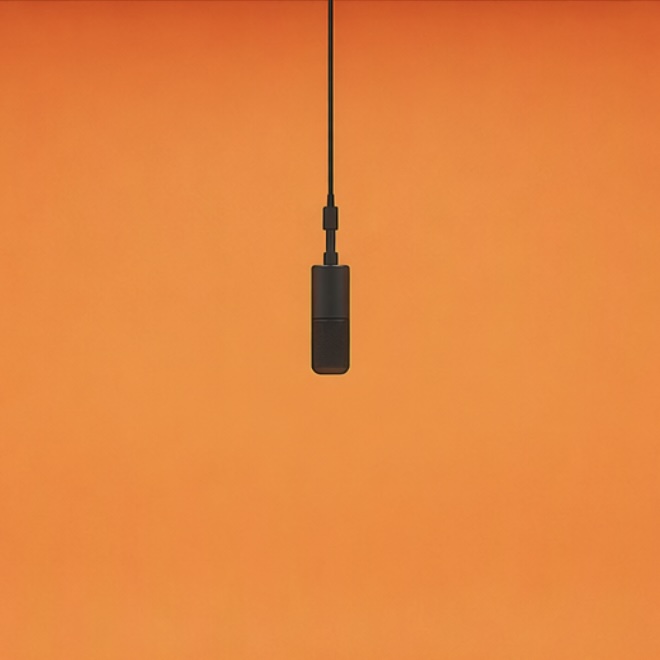
Hotel Lobby AI is the specific scene this wiki documents: orange studio, hanging microphone, back-and-forth delivery. Generic rap duo clips may use a different booth or camera. The pairing contract stays the same.
| Name | Meaning |
|---|---|
| Rap duo video AI | Generic two-person AI performance clip |
| Hotel Lobby AI | The orange-booth version on this wiki |
| AI rap duo | Common search wording for the same pairing |
How to make a rap duo video with AI
- 01
Choose the pairing
Use separate photos of two consenting adults. A friend, partner or bandmate can take the second role; you do not need to be photographed together.
- 02
Assign the sides
The first upload is assigned to the left performer and the second to the right. Choose the order before submitting; the generator has no post-render role switch.
- 03
Set the frame and length
Choose 9:16 for a phone feed or 16:9 for a wider composition. Output length is 5, 10 or 15 seconds. The default 768P/5-second clip costs 240 credits.
- 04
Watch both performers
Review faces, gestures and audio throughout the MP4. Download a result you are happy with, then add your own caption in your editor or posting app.
Give each rapper a distinct look
Two similar faces in similar outfits are harder to tell apart in a moving scene. Start with portraits that differ in hairstyle or clothing while keeping both faces clear. You can use an everyday outfit for one role and a stage outfit for the other.
The model is instructed to preserve the pairing and side assignments. Generated faces and hand movements can still drift; compare both performers with the source portraits rather than judging just the opening frame.
- One person per image, with the face and shoulders visible.
- Use comparable lighting and avoid heavy beauty filters.
- Keep space around the head so the crop does not remove identifying features.
What the duo template controls
MiniMax H3 uses your two portraits with a prepared performance reference. The orange studio, microphone and back-and-forth staging come from that reference. You choose the output format, resolution and duration; there is no scene or song picker.
This is a visual rap duo remix. It does not write a rap battle, record custom verses or clone the voices of the people in your photos. Listen to the generated audio before sharing.