Make a birthday rap video in four steps
- 01
Cast the birthday person
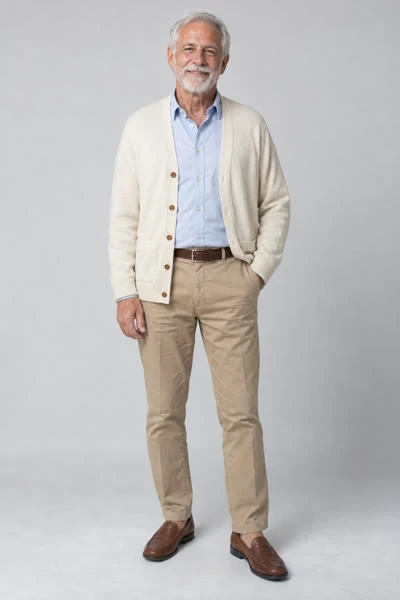
Choose a clear portrait of an adult who agreed to appear. Use a recent photo so the result is recognizable to the recipient.
- 02
Choose a co-star
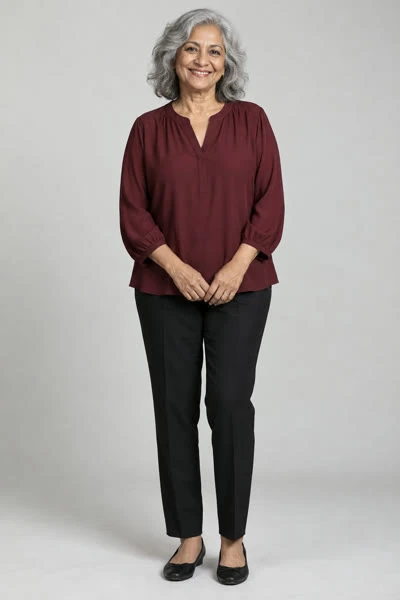
A partner, friend or sibling can take the right slot. Upload a separate portrait instead of a party photo with several faces.
- 03
Render the performance
Pick a 10- or 15-second length and the frame your birthday edit needs. Check the quote before submitting; the default costs 320 credits.
- 04
Add the greeting
Download the MP4, then add “Happy birthday” and the name as text in an editor. Review the sound and export your final birthday version.
Plan the birthday message around the clip
For a private message, the clip and a short written greeting can be enough. For a party screen, consider a landscape output and add a title card before the performance. For a vertical story, keep text clear of the performers’ faces and your app’s interface.
The generator does not render your caption into the scene. Names, ages, stickers and a birthday date are additions you make after download, where you can check spelling and placement.
- Opening text: a short greeting before the rap scene.
- Closing text: a message from the co-star after the performance.
- Post caption: explain that the clip is an AI birthday remix.
Set expectations before making a gift
This uses the same prepared Hotel Lobby performance as the other generators. It has no birthday-song composer, lyric editor or spoken-name control. If you need the recipient’s name sung aloud, make that audio separately and edit it into your project.
Allow time to review the output. Faces, hands and audio may need another attempt; a new generation consumes another quote. A confirmed failed task returns reserved credits, while a completed clip you do not like is still a completed generation.